How My House Sitter Book works 🐾

1. Create one simple guide with all the information your Housesitter needs about your home, pets and stay.
Work through the six short sections. Add up to four pets and skip anything that doesn’t apply.

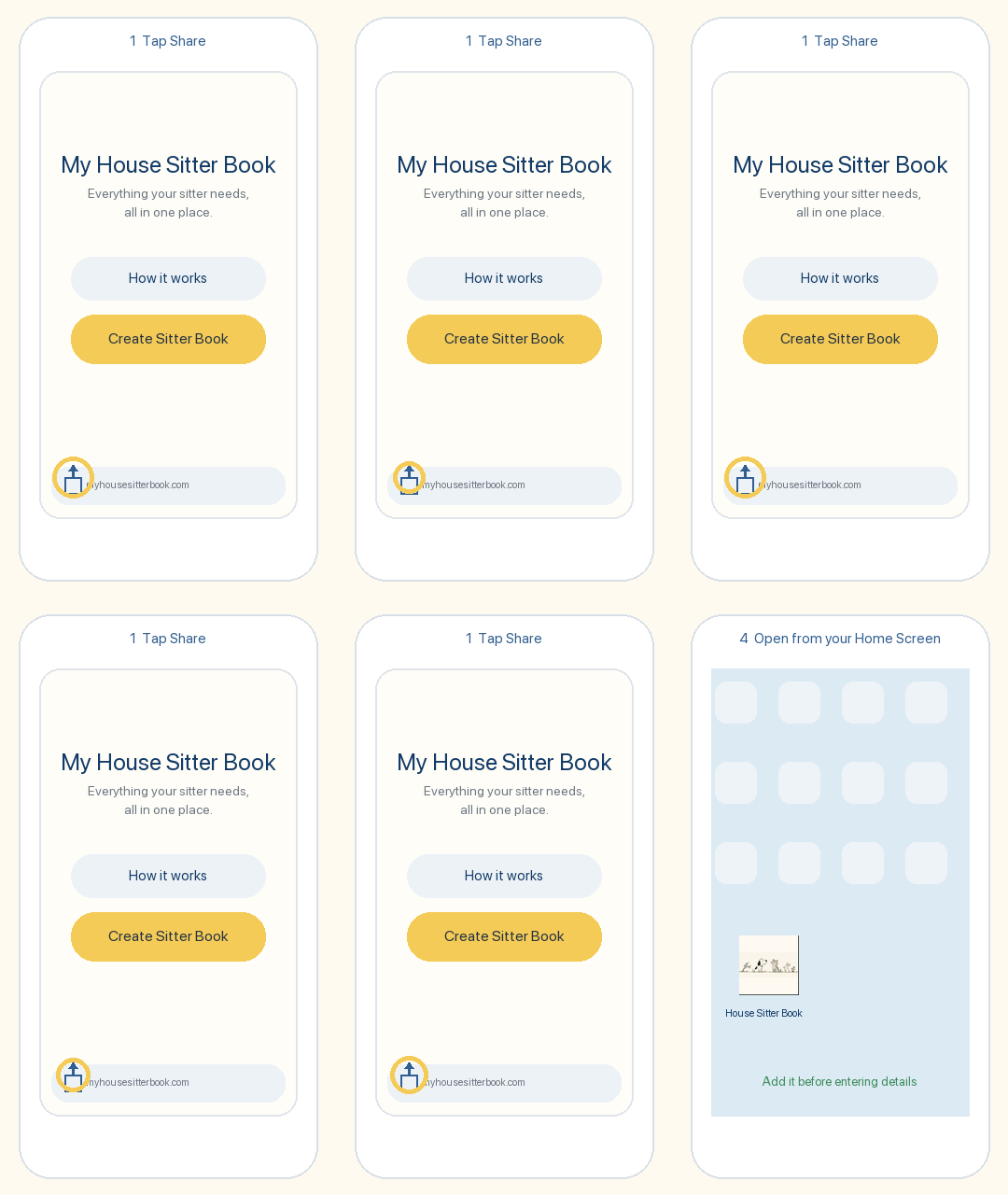
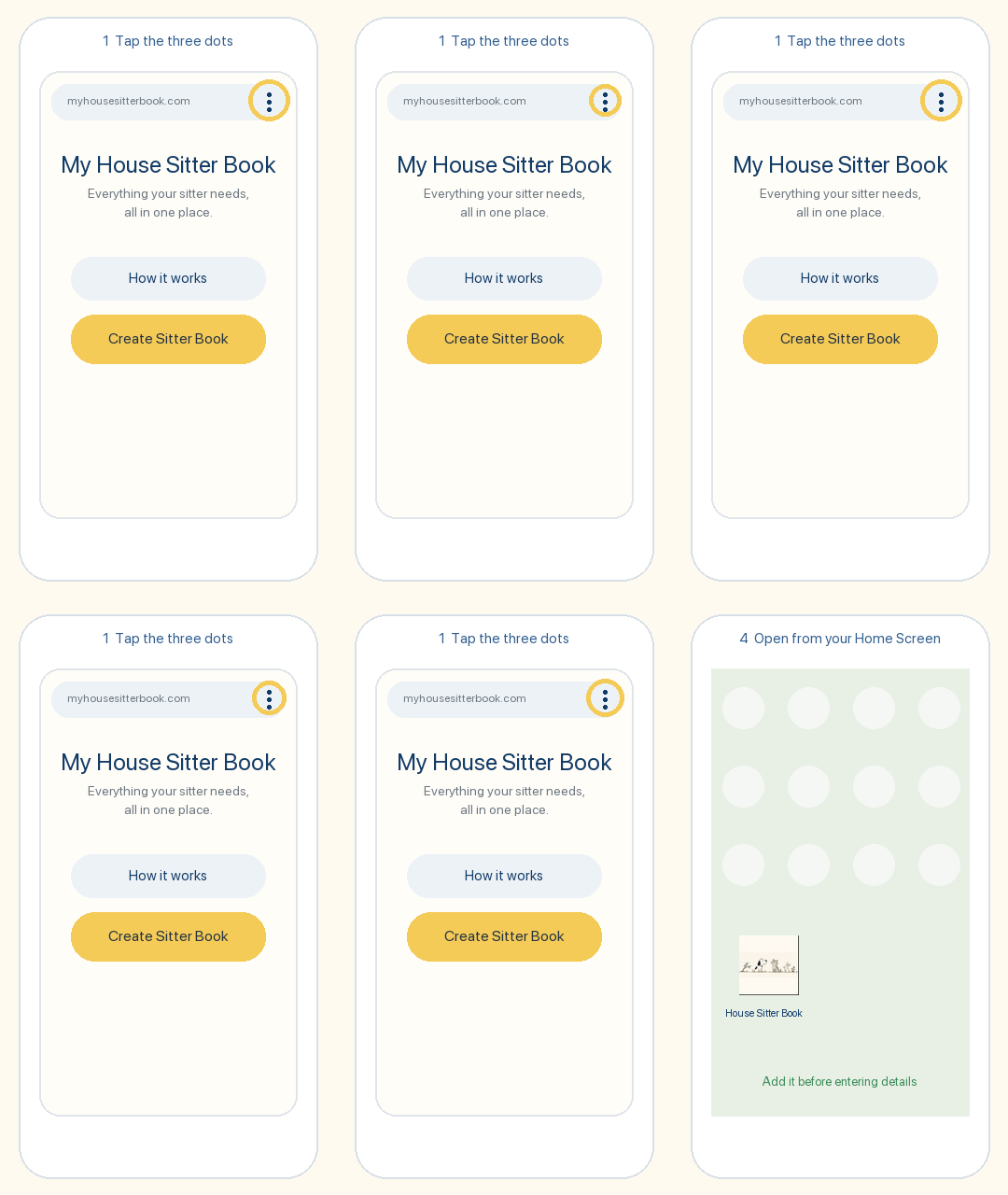
2. Save My House Sitter Book to your iPhone or iPad Home Screen.
In Safari, tap the Share button, then choose Add to Home Screen. Do this before you start entering your information if you want it saved there. If you fill in the book first and add it to your Home Screen afterwards, that information will not carry over.

Next time, open it from your Home Screen on the same device — your saved information will still be there, ready for you to update for your next sit.

Your draft saves as you type.
If you leave a page and come back on the same browser and device, your information will still be there.

3. Preview before you finish.
Take a quick look and use the Back or Edit buttons to change anything.

4. Download the complete PDF.
The PDF contains all completed information, including emergency details, and downloads to your device. You decide how to save, print or share it.

🔒 Your privacy

Your information stays with you.

Everything you type into My House Sitter Book — including your address, pet information, photos, Wi-Fi details and emergency information — is saved only in this browser on this device.

We do not store your information in an online database and we do not have access to what you enter.

When you download your House Sitter Book, the PDF is created on your device. You can then choose whether to save, print or share it.

Good to know: If you clear your browser’s website data, change devices or use a different browser, your saved draft will not automatically come with you.

Everything your Housesitter needs to know, all in one place.
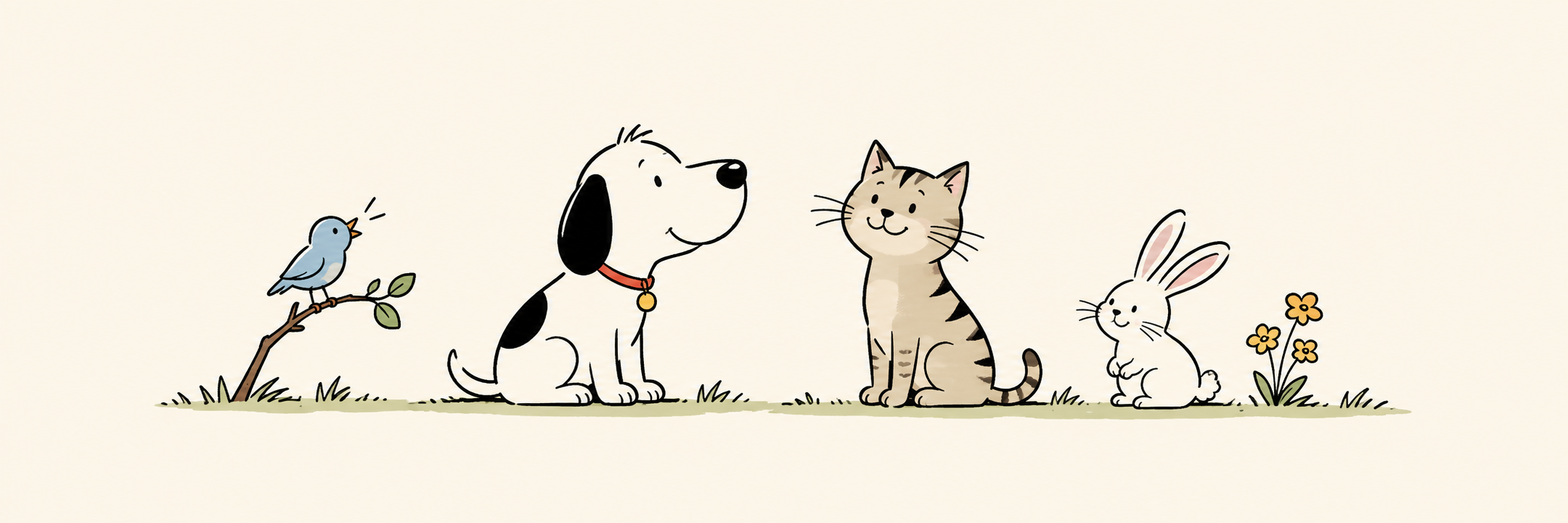
Pets together
New here? →
Your guide is converted into a PDF completely within your web browser, ensuring nothing gets uploaded or saved externally.
My House Sitter Book 🐾
Everything your sitter needs, in one simple book.
CREATE YOUR BOOK

Tell your sitter what they need to know.

Skip anything that doesn’t apply.

17%
1 of 6

About your home

First, the basics.

2 of 6

Your pets

Start with Pet 1. Add another pet if you need to.

3 of 6

Around the home

Getting in first, then anything else your sitter should know.

Getting in

4 of 6

Just in Case

Who can the sitter contact if you aren’t reachable?
Emergency contacts your sitter may need on their sit in…
5 of 6

Anything else?

Anything that would help your sitter feel at home.

6 of 6
🐾

Almost there!

Have a quick look. You can change anything before you download it.

Your answers are saved automatically on this device as you type. The downloaded PDF includes every completed section.
Page 6 of 6
100%

Preview

Get ready to send to your sitter.
Bookmark or save to phone home screen.
Same device — no need to fill in again for next sit. Just make updates.
Always at your fingertips!
BOOK PREVIEW
100% COMPLETE
Your House Sitter Book
Happy pets
Then share, save or print from your browser.
Your information will be saved on this device, so you can come back anytime.
Confused? Return to the Home Page and read “How It Works.”